 MCCircle
How to Use Litematica Schematics in Minecraft
Load a .litematic blueprint in Java Edition, align it in your world, and build from the projection or paste in Creative. The last two sections cover WorldEdit and Bedrock files.
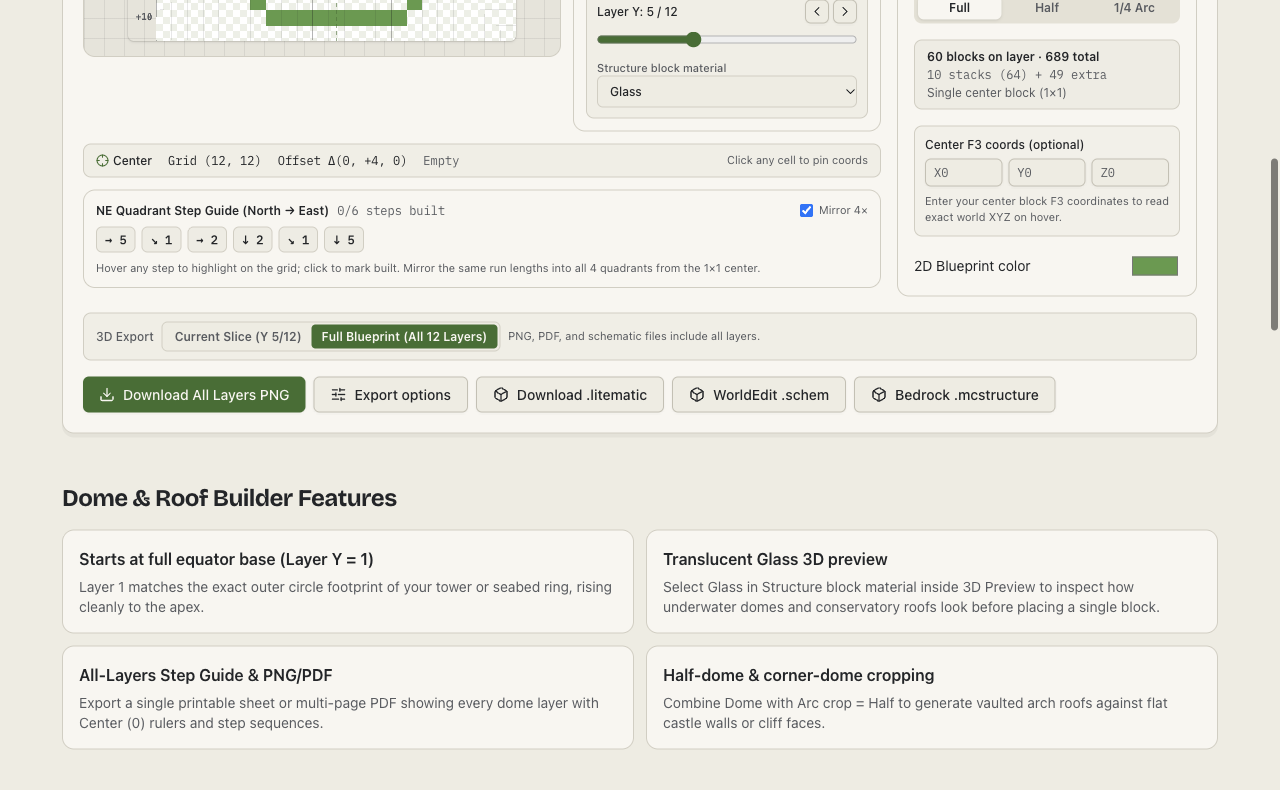
1. Pick Your Block Material & Export Scope First
Before exporting, select your target block in Structure block material (Stone, White Concrete, Stone Bricks, Oak Planks, Glass, or Deepslate Bricks) so the generated schematic writes the exact block IDs into your file. For 3D domes and spheres, make sure 3D Export is set to Full Blueprint when you want the entire multi-layer build.
2. How to Add Schematics to Litematica (.litematic)
Install Litematica and its MaLiLib dependency for your Minecraft Java version and mod loader. Place the .litematic file in the schematics folder for that game instance. Press M, open Load Schematics, select the file, and enable Create placement to show the projection.
To align it, open Schematic Placements → Configure and set the origin and rotation. Compare the projection with your build anchors before placing blocks.
In Survival, use Material List to gather blocks and Render Layers to show one layer at a time. Place blocks against the projection, then use the Schematic Verifier to check for missing or incorrect blocks.
In Creative, select the placement, switch the tool mode to Paste schematic in world, and use your configured executeOperation hotkey with the tool enabled. On a server, you also need permission to run the block placement commands.
3. How to Load WorldEdit Schematics (.schem)
Put the .schem file in the schematics folder configured for your WorldEdit or FAWE installation. Run //schem load filename and stand where you intend to paste. Use //paste -n to select the destination without placing blocks. Once it lines up, run //paste -a to paste and skip air. Use //undo to reverse the paste if needed.
4. How to Use Structure Blocks in Minecraft (.mcstructure)
In Minecraft Bedrock Edition, grant yourself a Structure Block with /give @s structure_block. Open the block UI, change Mode from Save to Load, and click Import on Windows to pick your .mcstructure file directly (on mobile/consoles, place it inside your behavior pack structures/ directory).